
Create Custom Blocks
There are 2 ways in which custom blocks can be created
- With Code (Recommended)
- With URL
To create a custom block
-
Settings ➜ Custom Blocks ➜ Create New Custom Block
-
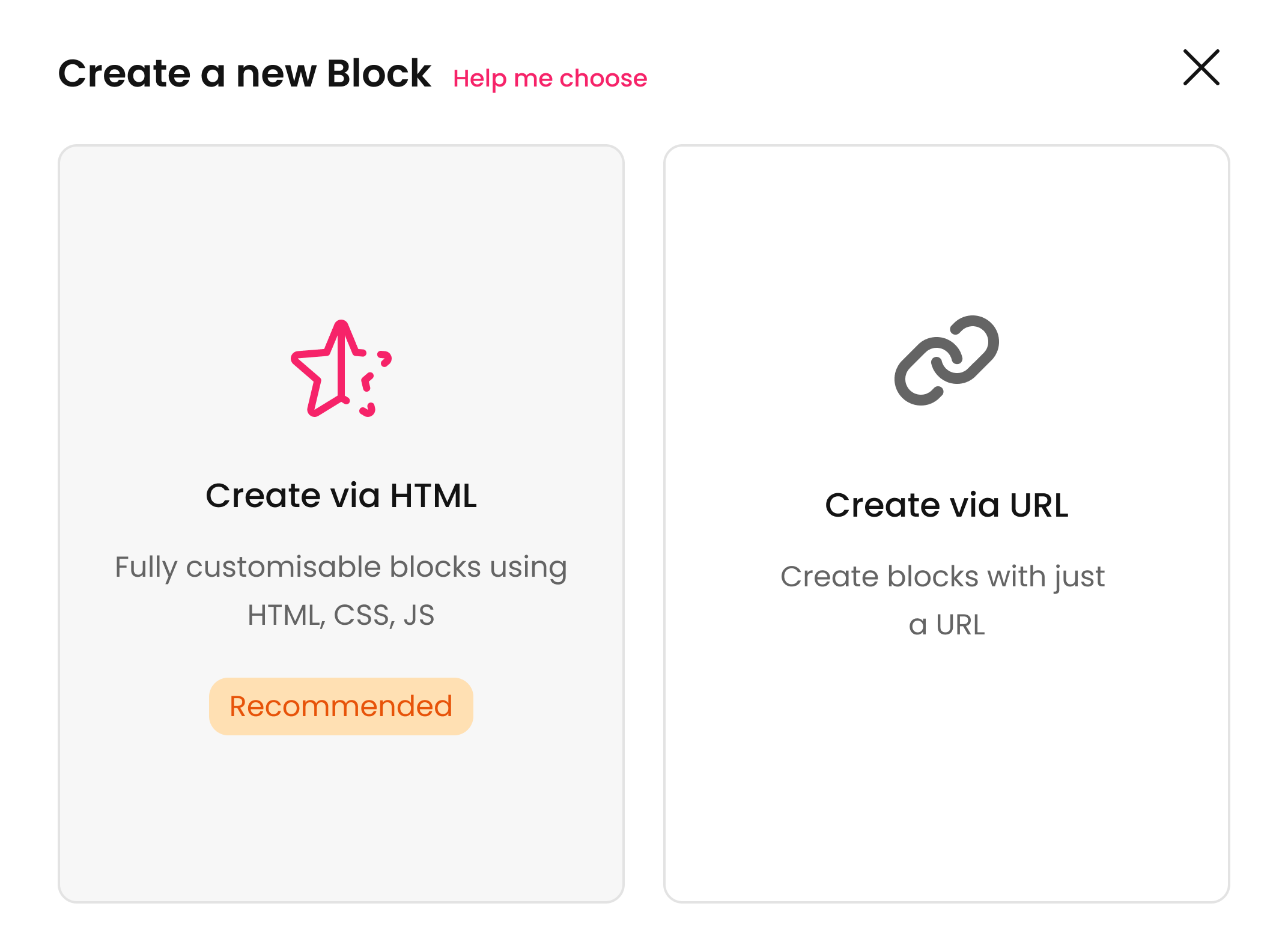
Select the type of custom block
- Create via HTML (Recommended)
- Create via URL
-
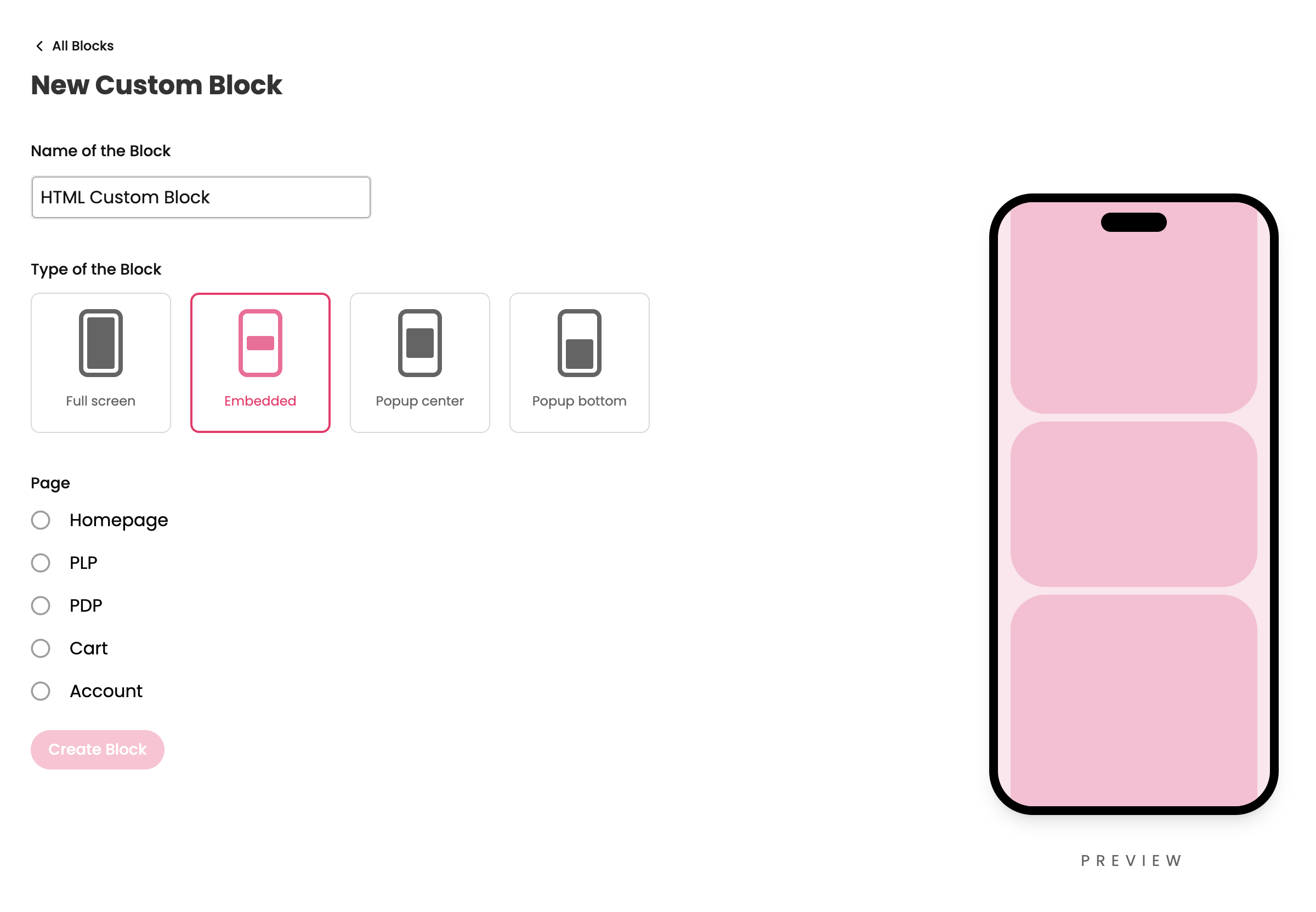
There a 4 types of custom blocks which you can create
- Embedded
- Full Screen
- Popup Center
- Popup Bottom
-
Embedded blocks are blocks which will be embedded within a page, so for this you need to select what page you want to use the block in. We ask you to select the page to get the context from that page. For example, the product variable context will be available in the PDP page which you can use inside the embedded custom block. These page level contexts will be available only in embedded custom blocks
-
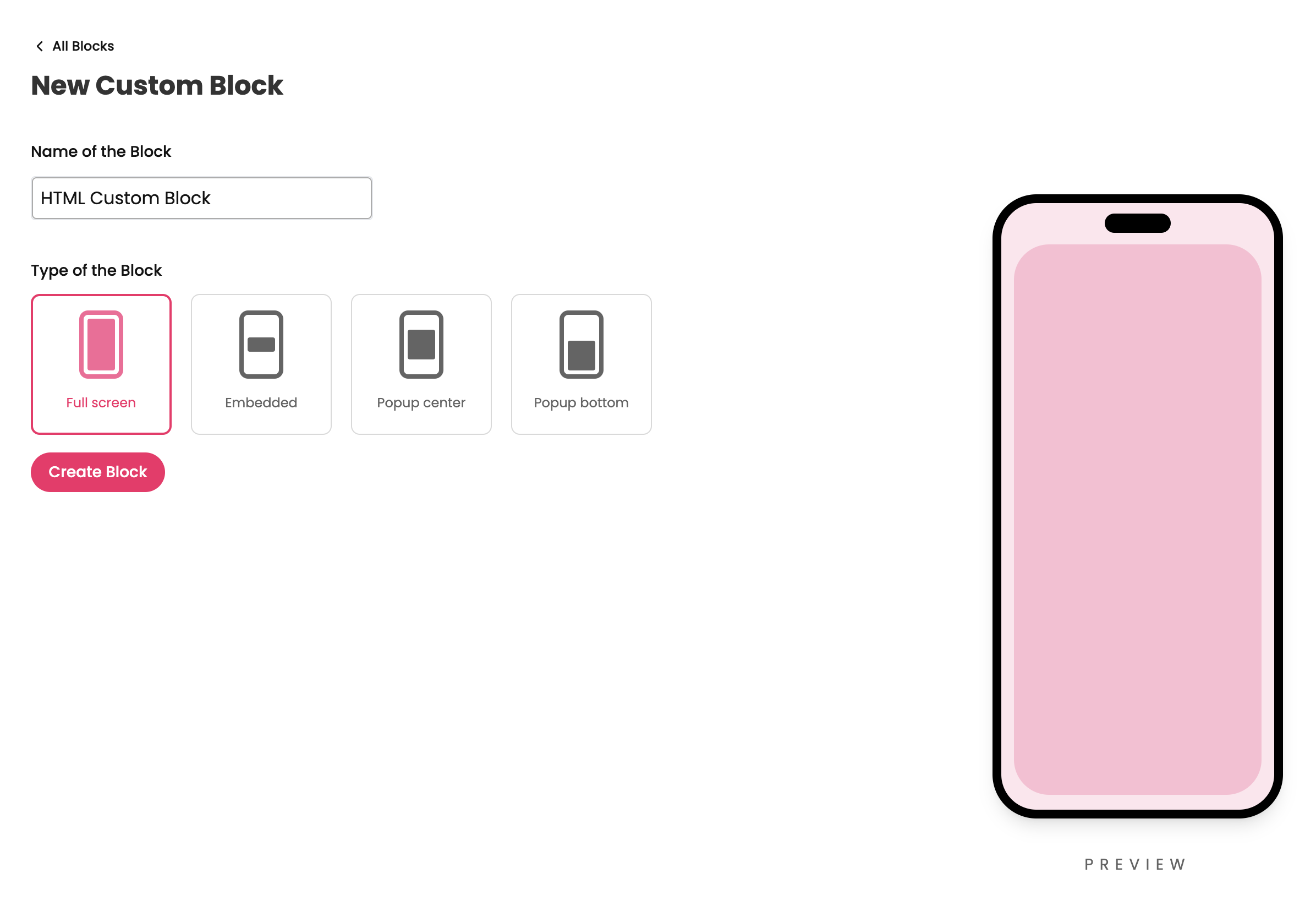
Full screen and popup custom blocks can be used in any page across the app. So you need not select a page for these type of blocks
Updated 11 months ago