
From Native Block
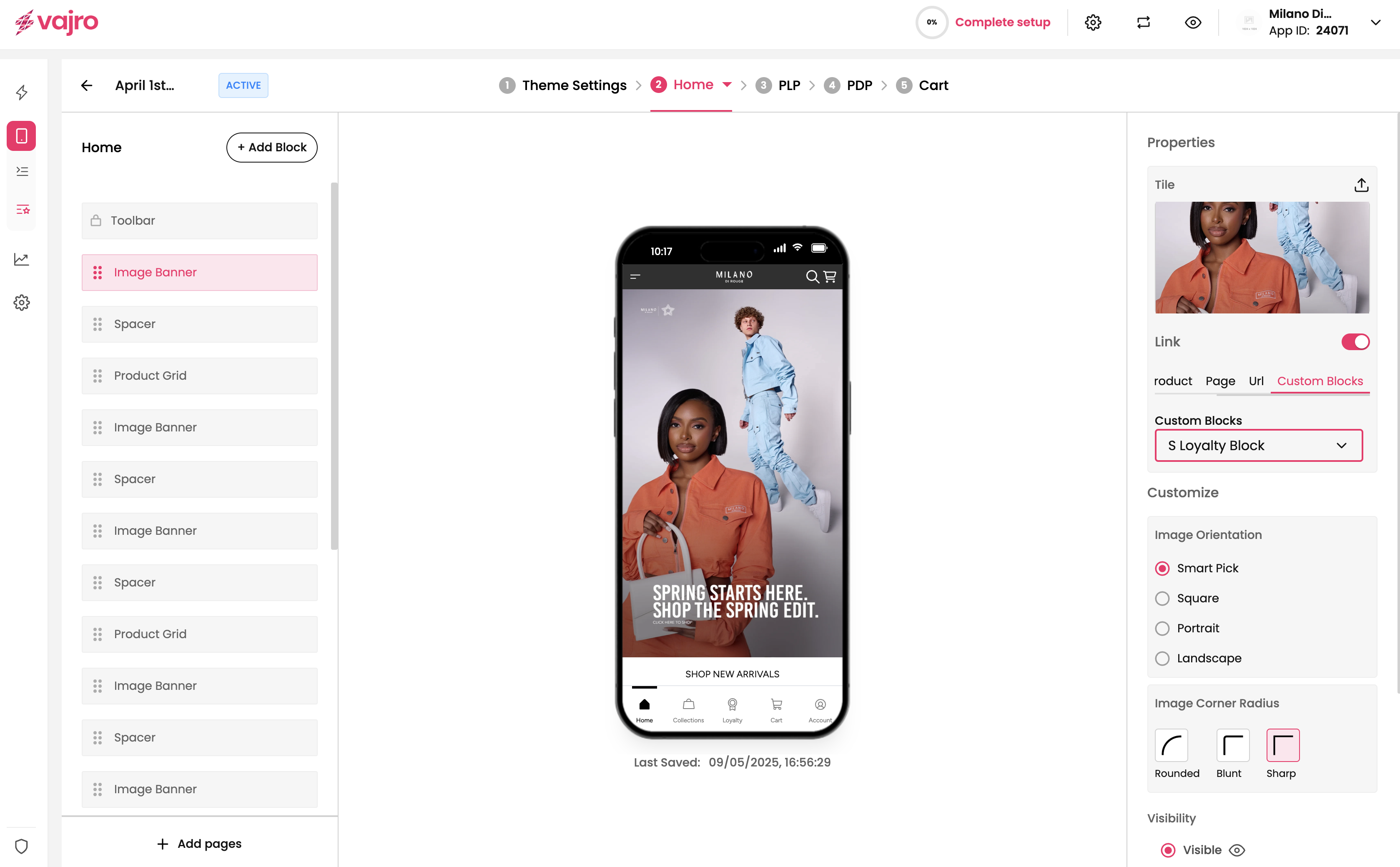
You can show a popup or a full screen custom block when a native block is interacted with. For example, you can show a custom block when an image banner is tapped.
To open a full screen or popup custom block,
- Select the block which needs to detect the tap gesture
- Select the custom blocks under the link option
- The list of full screen and popup blocks should be available there
Updated 8 months ago
Did this page help you?